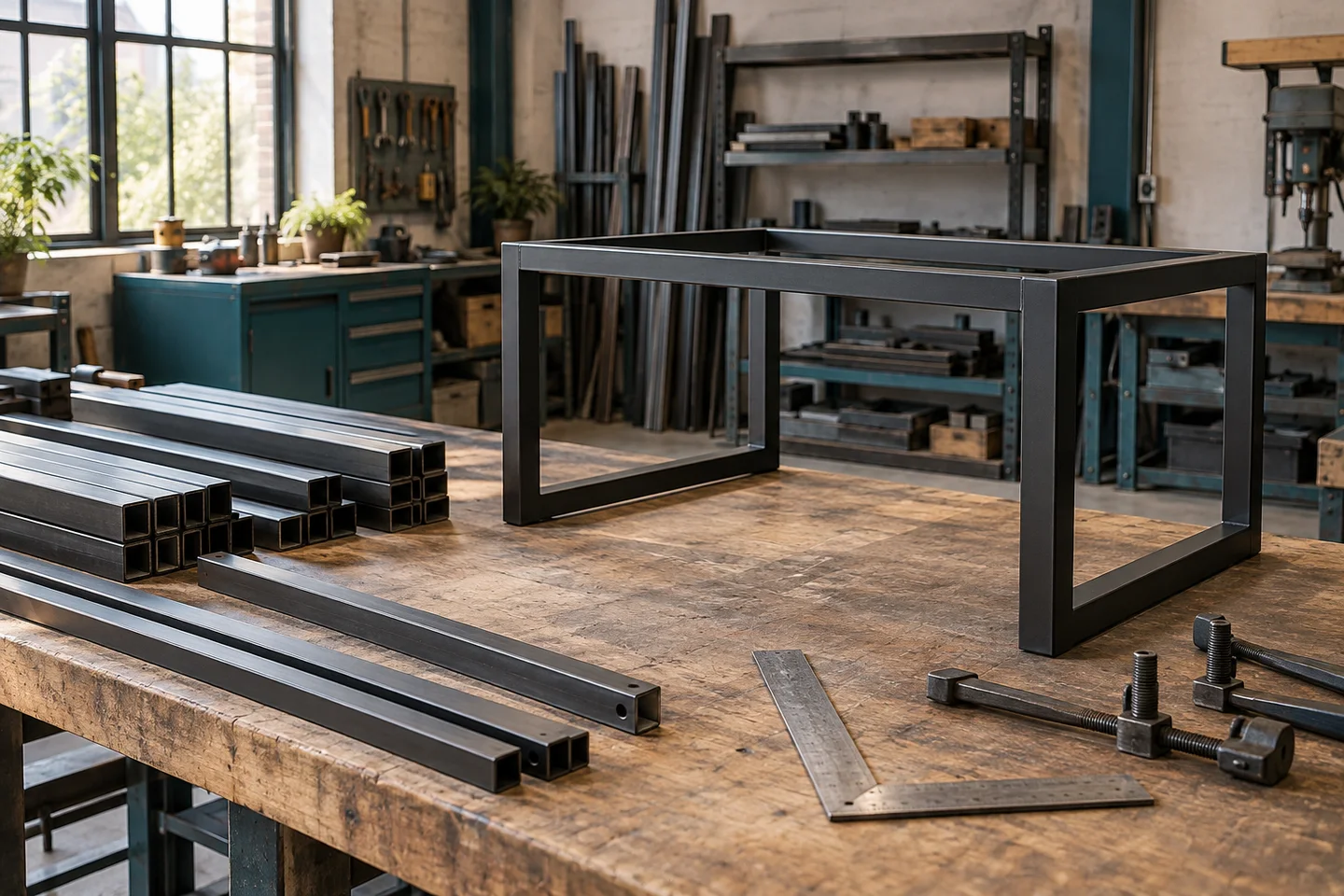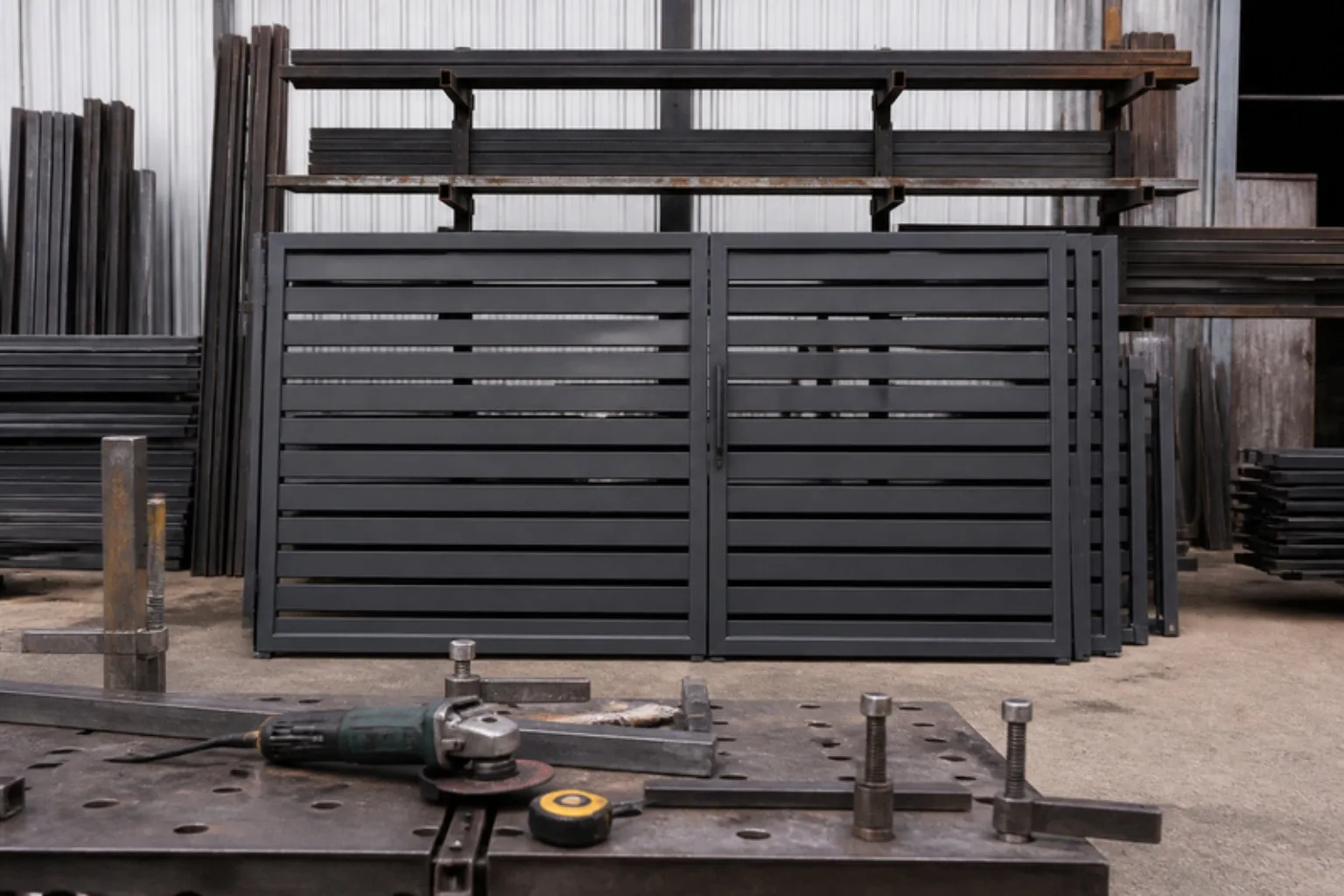
Software for gate and fence fabricators, in other words a CRM and ERP app, helps you attach to every order four things that easily get lost between the office, the workshop and the installation crew: site measurements and photos, the approved sketch, the chosen specification (automation, accessories, colour) and the installation conditions. When these live in one place and the order moves through clear stages, the workshop stops welding from an outdated sketch and the crew stops arriving at sites with no foundation.
This guide is for workshops that build sliding and swing gates, pedestrian gates, fences and railings. The general organisation of a metal workshop is covered in the guide to custom metal fabrication; here we go into what is specific to gates and fences.
In short
- It helps to measure the site, not just the opening: pillars, slope, run-back space for a sliding gate, power supply.
- We recommend getting the sketch, the exact colour code and the automation kit approved before any cutting.
- It helps to state explicitly what the price does not include: foundation, power cable, removal of the old gate.
- Powder coating, in-house or at a partner, deserves its own stage on the board.
- Many workshops schedule installation once the customer confirms the site is ready and collect the balance before archiving the order.
What to measure on site: more than the gate width
A gate is installed in a place that already exists, with its own pillars, slope and neighbours. So it is worth having the measurer bring back everything that affects the build, the price and the installation day, not just a width and a height. A starting list to adapt:
- Width of the opening between pillars, measured at the top and the bottom, and the required gate and fence height.
- Pillars: existing or new, their material and condition.
- Level differences along the opening and in the area where the gate opens.
- For a sliding gate: the clear space along the fence where the gate runs back, and the position of the foundation for the running gear.
- For a swing gate: the opening direction and whether the ground allows it to open inwards.
- Power for automation: is there a cable to the gate, or does one need to be laid?
- For fences: length of each side, number of bays, height and the boundary line as indicated by the customer.
- Photos from the front and the side, of the pillars, the ground and the access for the installation vehicle.
Zafirok has no dedicated gate fields for dimensions, infill type or automation. The summary goes into the order's Description (Descriere), while the measurement sheet, sketch and photos are uploaded to the order's Documents tab (Documente) as files of up to 25 MB; images and PDFs can be previewed.
What the customer approves before cutting
We recommend settling three decisions before any metal is cut, because after that every change means rework.
The sketch
The customer sees the sketch with dimensions, infill type (sheet, profile, louvres, composite wood) and the position of the pedestrian gate. A useful convention: each version gets a name (for example Sketch_v1, Sketch_v2), and the Description states which version was approved and how the customer confirmed it. The confirmation, for example a message or a signature on the sketch, is photographed and uploaded to the order.
The colour
“Dark grey” is not a production colour. It helps to write the RAL code, the finish (matt, gloss, textured) and whether the same colour applies to the frame and the infill.
Automation and accessories
It is worth recording the chosen motor model, the number of remote controls, photocells, warning light, intercom or video intercom, lock and handles. A short list goes into the Description, and the quote with the full kit is attached in Documents. For manual gates, record the lock, the gate stop and the hinges.
Whatever is not written on the order ends up being negotiated at installation, usually in front of the customer.
Rule of thumb
What the price includes and what stays with the customer
Many unpleasant conversations at installation start with things nobody said explicitly. We recommend stating, for each order, in the quote and in the Description who is responsible for:
- the foundation for the pillars and for the sliding gate;
- the power cable to the motor and its connection;
- removing and disposing of the old gate or fence;
- transport and any machinery needed at installation;
- repairing or reinforcing existing pillars.
If the customer builds the foundation, note on the order who confirms it is ready and how, for example with photos sent before installation day.
The stages of a gate order, with powder coating in view
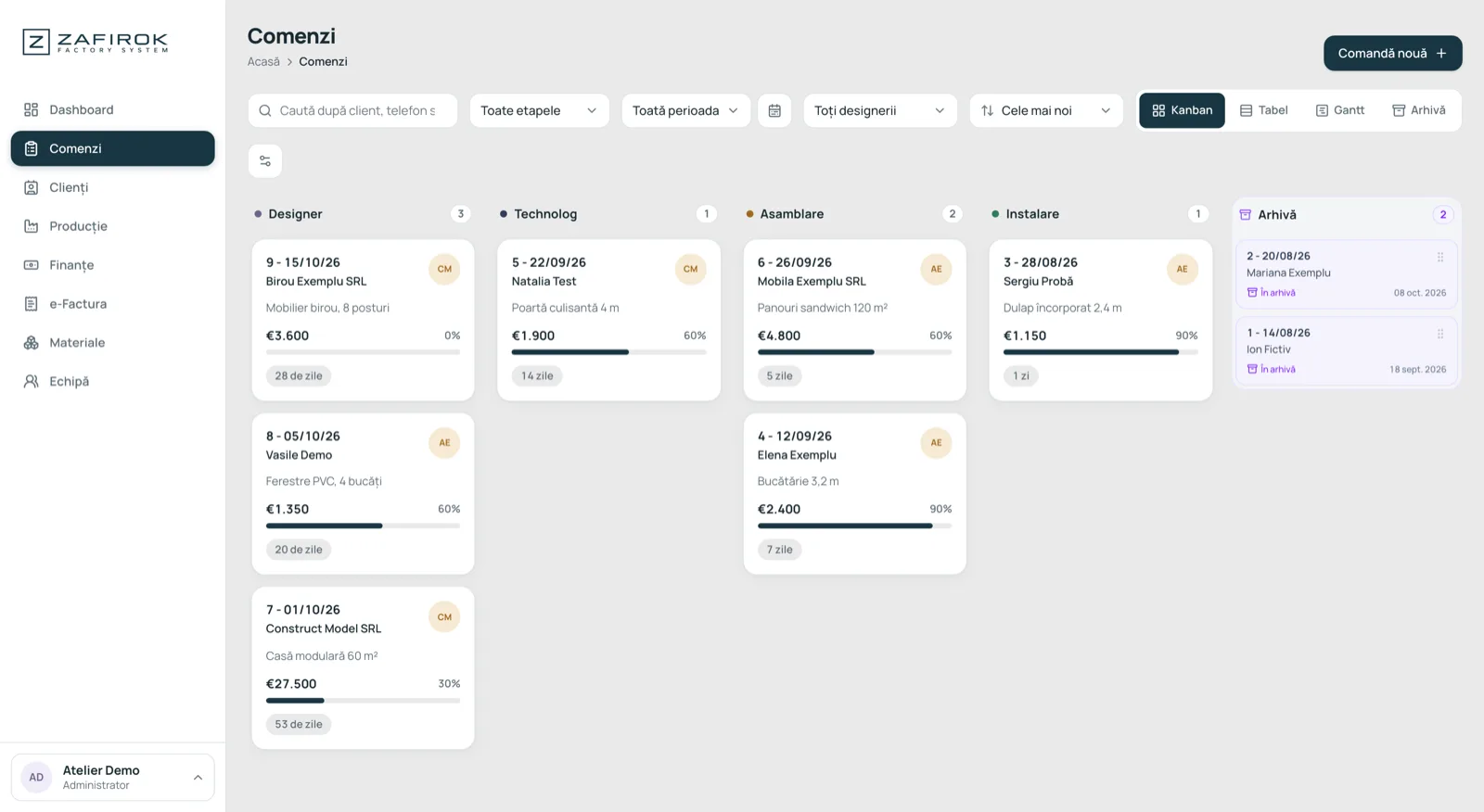
In Zafirok, the gates and fences configuration starts with the stages Designer → Technolog → Asamblare → Instalare → Arhivă (design, technical design, assembly, installation, archive). For a gate workshop, one possible adaptation: Designer for measurement, sketch, quote and deposit; Technolog for shop documentation and ordering the automation; Asamblare for cutting, welding and surface preparation; a new Powder coating stage; Instalare for fitting, automation and handover.
A separate coating stage matters most when you work with a partner coater. The board then shows how many gates are out for coating and which ones to ask the partner about.
- The administrator opens the Kanban settings (Configurare Kanban).
- Adds a Powder coating stage between Asamblare and Instalare.
- Renames Technolog and Asamblare if useful, preferably before any orders sit in them: on saving, the orders in a renamed stage are moved to the first stage. This does not affect the payment checks.
- If the automatic deposit and final-payment checks are wanted, keeps the stage names Designer and Instalare unchanged; a workshop with a different deposit can rename them.
- Optionally, agrees an exit condition for each stage with the team, for example: “Assembly is done when the gate is welded, ground and ready for coating”.
Hypothetical example: a sliding gate with a fence
Take an imaginary order: a 4.2 m sliding gate with automation, a pedestrian gate and 18 m of profile fence in RAL 7016 matt; the customer builds the foundation. The data is an example and does not come from a real customer. In Zafirok, the information would be split like this:
- Description: gate type, main dimensions, colour, automation with two remotes and photocells, and the note “foundation: customer”.
- Documents: measurement sheet, site photos, approved sketch v2, the quote with the kit and the customer's confirmation.
- Delivery address (Adresă livrare): the installation address; if someone other than the customer will be on site, write their name and phone in the Description.
- Delivery deadline (Termen livrare): the date promised to the customer.
- Payments (Încasări): the deposit and the balance, linked to this order.
- Expenses (Cheltuieli): the motor bought for this order and the coater's invoice, so the profit on the side card is real.
- Checklists: the installation steps, each with a responsible person.
Installation: what to check before leaving and at handover
You can prepare an installation checklist template with tasks and a responsible person and apply it to the order from its Checklists tab (Checklist-uri). If the tab is missing, switch it on with the order's Tools button (Instrumente). The ticks show what is done; you move the order to the next stage yourself. An example:
- The customer has confirmed that the foundation is ready and that there is power at the motor position.
- At loading: the gate, the pedestrian gate, numbered fence panels, hardware, motor, accessories and remotes.
- Fit and adjust the gate, then test the automation together with the customer.
- Hand over the remotes and explain how to use them.
- Upload the after-installation photos and the signed handover record to Documents.
- Collect the balance and record the payment in Finance with New payment (Încasare nouă), linked to this order.
Money: deposit before production, balance before archiving (the default model)
In Zafirok's default stages, an order cannot leave the Designer stage until 60% of its value is paid and cannot leave Instalare until it is paid in full. The percentage comes from payments marked Paid (Achitat), and the Payments tab shows the 60–30–10 plan and how much has been paid. The check depends on the stage names, so renaming those stages switches it off; that is how a workshop with a different deposit can work too.
For a gate workshop, the deposit check has a concrete meaning: the metal and the automation are bought for a specific order, and without a deposit the risk stays with the workshop. The same logic applied to windows is explained in the guide for PVC window companies.
The team, the customer and messages
The six default roles (Administrator, Project manager, Worker, Project collaborator, Observer, Accountant) can be adjusted per module to Hide, View or Edit (Ascunde / Vede / Modifică). For welders and installers you can leave visible only the board columns they work in and only the checklist tasks assigned to them, with prices hidden. An external installer can be invited with a link valid for 7 days, with a role limited to the Instalare stage and their own tasks.
Once the gate is ready, the customer can receive one automatic SMS per order, sent when the order enters the stage chosen in Settings → SMS. Example text: “Hello {nume}, the gate for order {comanda} is ready. We will call you to agree the installation day. The {alias} team”. The feature is off by default, and the messages go out through the company's own sms.md account, paid directly to sms.md. There are no reminders and no manually sent SMS.
Common mistakes in gate and fence workshops
- Only the opening is measured, without the slope or the run-back space for a sliding gate.
- The colour is written in words, without a RAL code or a finish.
- The automation is ordered only after coating, and installation waits for the motor.
- The crew leaves for installation without confirmation that the foundation is ready.
- The installed order is treated as finished while the balance stays “for later”.
How Zafirok helps: CRM and ERP software for gate and fence fabricators
Zafirok has a ready-made configuration for gates and fences, built on the same base as the other production domains. To track metal gate orders, you use:
- Orders on configurable stages, in Kanban or Table view, with a searchable archive.
- Documents on each order: measurement sheets, sketches, quotes and photos, up to 25 MB per file, with preview for images and PDFs.
- Payment checks in the default stages (60% to leave Designer, 100% to leave Instalare), payments and expenses per order, with profit, margin and remaining balance on the side card.
- Checklists from templates, with a responsible person per list and per task.
- Roles with per-module and per-column access, hidden prices and, if needed, only their own checklist tasks.
- One automatic SMS at the “ready” stage, sent through the company's own sms.md account.
The stages, checklists, roles and SMS text are a starting model: each workshop sets them up to match the way it works. If you prefer, the Zafirok team can do the setup for you: write to us via the contact page or create an account.
What it does not do: it does not design the gate, produce the cutting list, generate the quote, configure automation kits or offer dedicated gate fields. Technical calculations and drawings stay in the workshop's own tools, and you attach the result to the order.
Frequently asked questions
Gate and fence: one order or two?
One order if they share the contract, the payment and the installation. Two orders if the fence is built now and the gate later, with separate deadlines and payments; that way each has its own deposit and its own balance.
Where do I record the motor model and accessories?
In the Description as a short list, and in the quote attached in Documents. Zafirok has no dedicated automation fields, so it helps if the workshop agrees one common way of writing it.
How do I track coating done by another workshop?
You can add a Powder coating stage to the board and move the order there when the gate leaves for the coater. Record the hand-over date and the partner's promised date on the order, and give the stage checklist a responsible person who stays in touch with the partner.
Can I block production until the deposit arrives?
Yes, as long as the stage is called Designer: the order cannot move on until 60% is paid. Full payment is checked when the order leaves Instalare. If you rename these stages, the checks stop, which is useful if you work with a different deposit; the Zafirok team can help with the setup (contact page).
The customer wants another colour after the gate has been welded. What now?
First check whether the gate has already been coated: if not, you only need to change the instructions for the coater; if it has, it means recoating, with extra cost and time. We recommend recording the request, the cost and the new date, getting the customer's confirmation and updating the Description before the gate goes to coating.
Create an account and organise your gate and fence orders