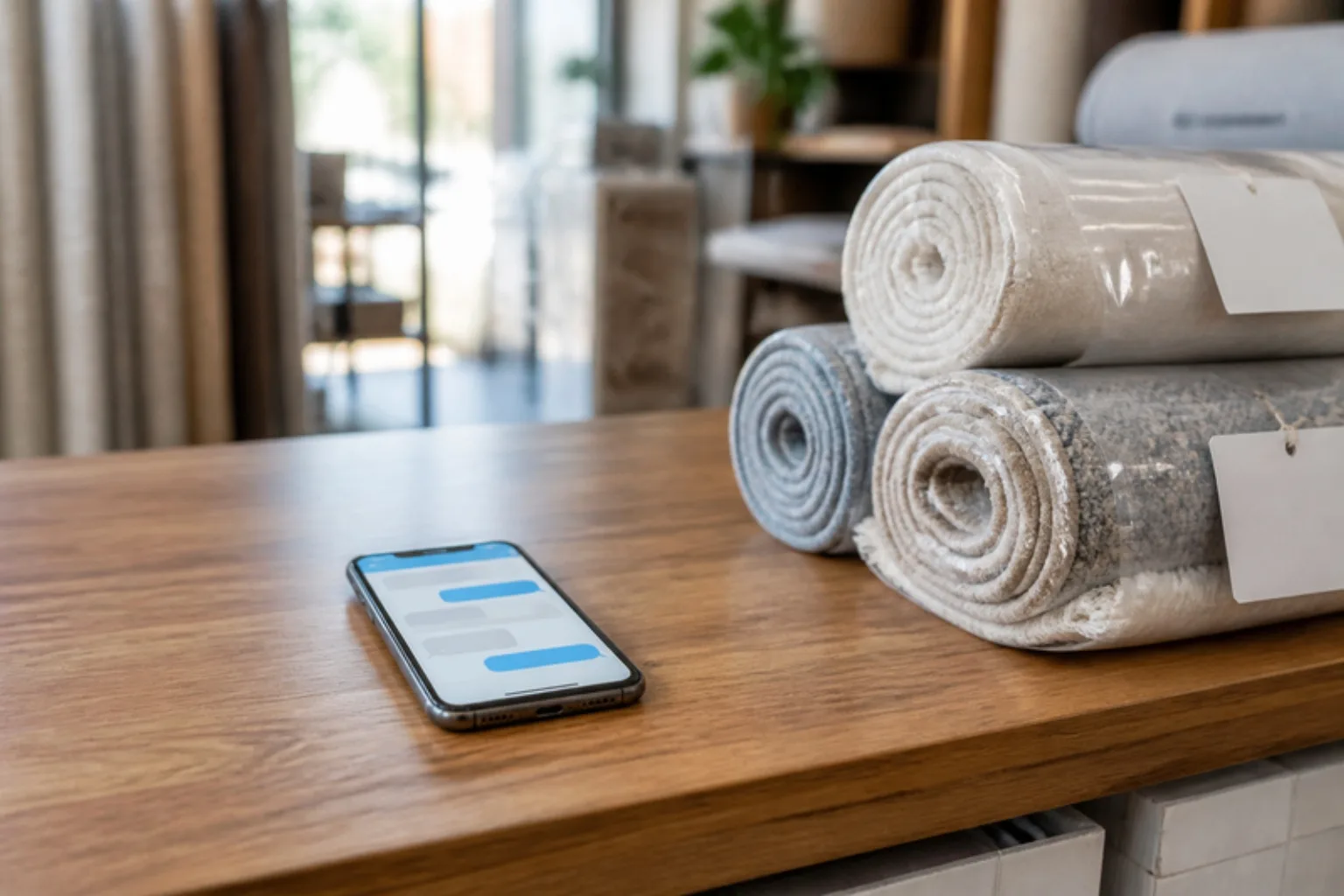
An automatic SMS when an order is ready tells the client what to do next (come and collect the order, or wait for a call about delivery), how much is left to pay and who the message is from. It works best as one short message, sent automatically by the CRM and ERP app where you keep your orders, the moment the order enters the “ready” stage, with the client's name, the order number and the next step.
Below you will find the rules for a clear text, the length limits of an SMS, eight examples for carpet cleaners, furniture workshops, window companies and other businesses, and finally how the automatic message works in Zafirok.
In short
- One message, sent when the order is truly ready to hand over.
- Minimum content: who is writing, which order, what happens next and what is left to pay.
- Length: up to 160 characters in plain Latin letters; with Cyrillic, emoji or Romanian letters such as ă, ș, ț, up to 70 (through Zafirok, Romanian letters are replaced with plain ones automatically).
- We recommend telling clients when they place the order that they will get a text, and checking their number on the spot.
- In Zafirok: one automatic SMS per order, set up in Settings → SMS; no manual or bulk texts and no reminders.
When to send the “order ready” message
The right moment is when the client can act: come for the order or wait for the call about delivery or installation. A message sent too early, when an accessory is still missing or the order is not packed, brings the client in for nothing. One sent too late keeps the order on the shelf and the client on the phone, asking whether it is ready.
Tie the message to a clear stage in your workflow, not to someone's memory: “Ready for handover”, “Awaiting delivery” or “Ready for installation”. Many businesses keep a simple internal rule: an order enters that stage after the final check.
Think about the time of day too. If the message goes out automatically when the order is moved to the ready stage, someone updating the board at 11 pm sends texts at 11 pm. You could agree, for example, that orders are moved into the ready stage during working hours.
What a good “your order is ready” text contains
- Who is writing: the business name as the client knows it.
- Which order: the number and, briefly, what it is (“3 carpets”, “extendable table”).
- What happens next: come and collect it, we will call about delivery, or we will book the installation.
- What is left to pay: the balance, not the total, if a deposit was paid.
- Where and when: the address or opening hours if the client comes in.
Avoid shortened links, text in capital letters and strings of exclamation marks. A good message reads like a notice from a business the client knows, not like an advert.
How long can an SMS be?
An SMS written only in plain Latin letters (the GSM-7 character set) holds up to 160 characters. If the text contains even one character outside that set, such as the Romanian letters ă, â, î, ș, ț, Cyrillic letters or an emoji, the limit drops to 70. Longer messages are split into parts of 153 or 67 characters, and each part is usually billed as a separate SMS.
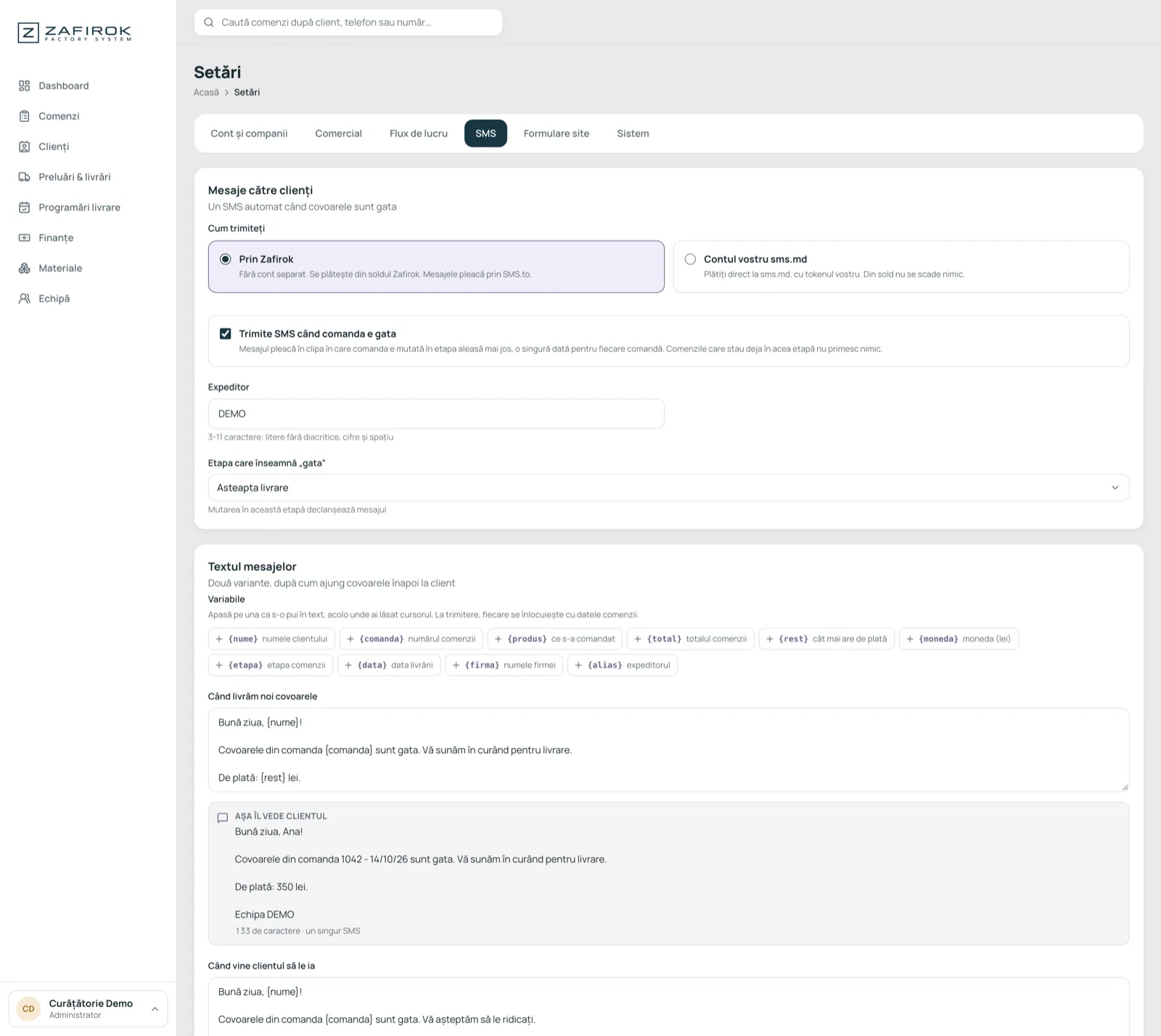
In practice, check the length with the longest real values: a double surname, a five-digit amount, your full company name and the order number, which in Zafirok includes the date (for example “1042 - 14/10/26”). With typical values the examples below are about 110–150 characters and fit in a single SMS, but with a long client name or a long company name some go over 160 characters and are billed as two. The “What the client sees” preview shows the character count and how many texts will be billed, but for a sample order with a short name and small amounts, so leave room for longer values.
Through Zafirok, Romanian diacritics are replaced with plain letters when the text is sent, so they do not lower the limit; that is why the text with diacritics in the screenshot near the top fits in one SMS. With your own sms.md account, a single Romanian letter such as “ă”, even in the client's or the company's name, drops the limit to 70 characters, and a Romanian version written with diacritics takes two or three parts. A name written in Cyrillic drops the limit to 70 with either sending option, and a Russian text over 70 characters takes at least two parts.
8 examples of an automatic SMS when an order is ready
The examples use Zafirok's variables, which are replaced with the order's details when the text is sent: {nume} (client's name), {comanda} (order number), {produs} (what was ordered), {total} (order total), {rest} (what is left to pay), {moneda} (currency), {etapa} (order stage), {data} (delivery date), {firma} (your company name) and {alias} (the sender). The variable names stay in Romanian in every interface language. Opening hours and wording are examples; adapt them.
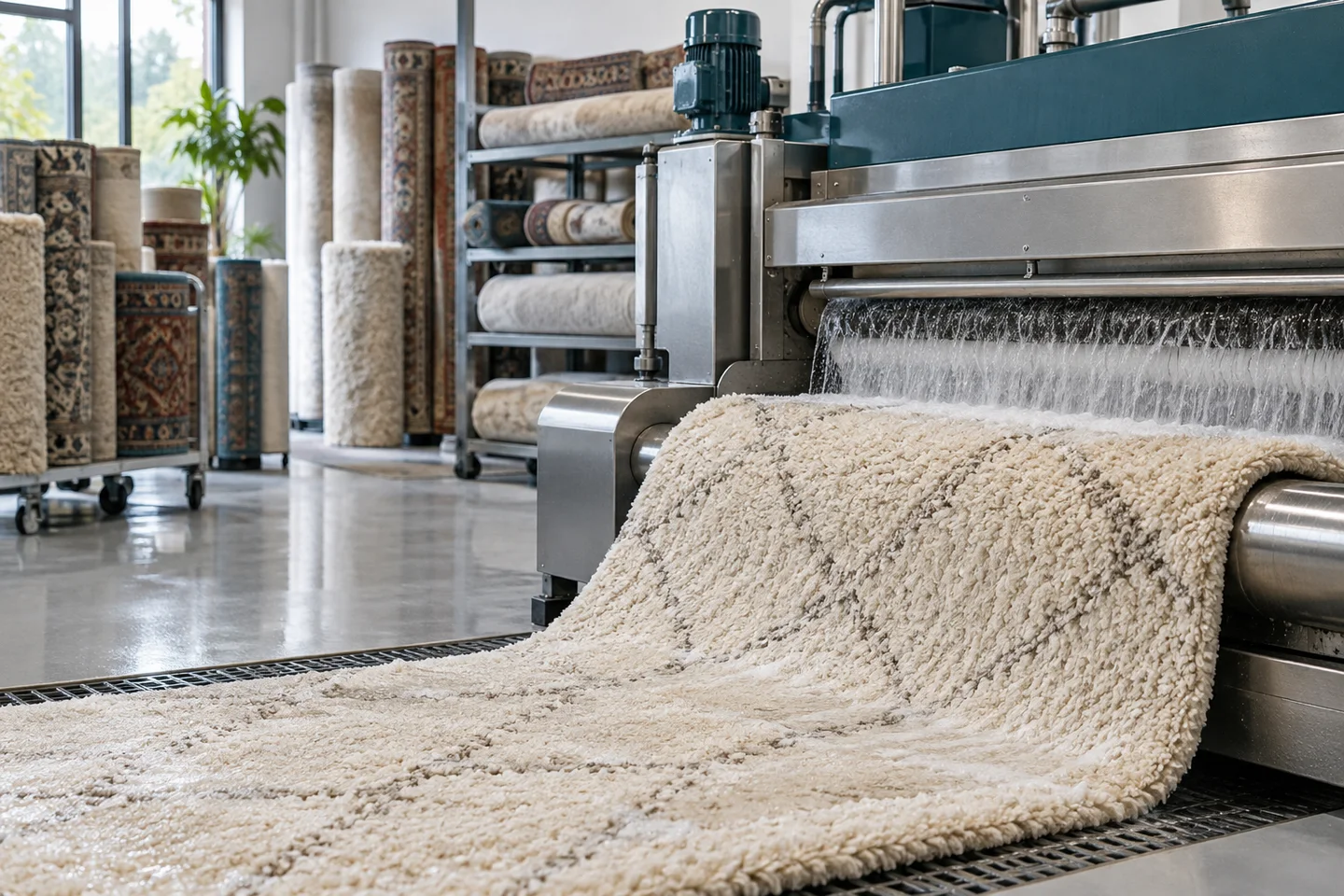
- Carpet cleaning, client collects: “Hello {nume}, your carpets (order {comanda}) are ready. We are open Mon-Sat, 9-18. Left to pay: {rest} {moneda}. {firma}”
- Carpet cleaning, we deliver: “Hello {nume}, your carpets (order {comanda}) are ready. We will call you soon to agree a delivery time. To pay: {rest} {moneda}. {firma}”
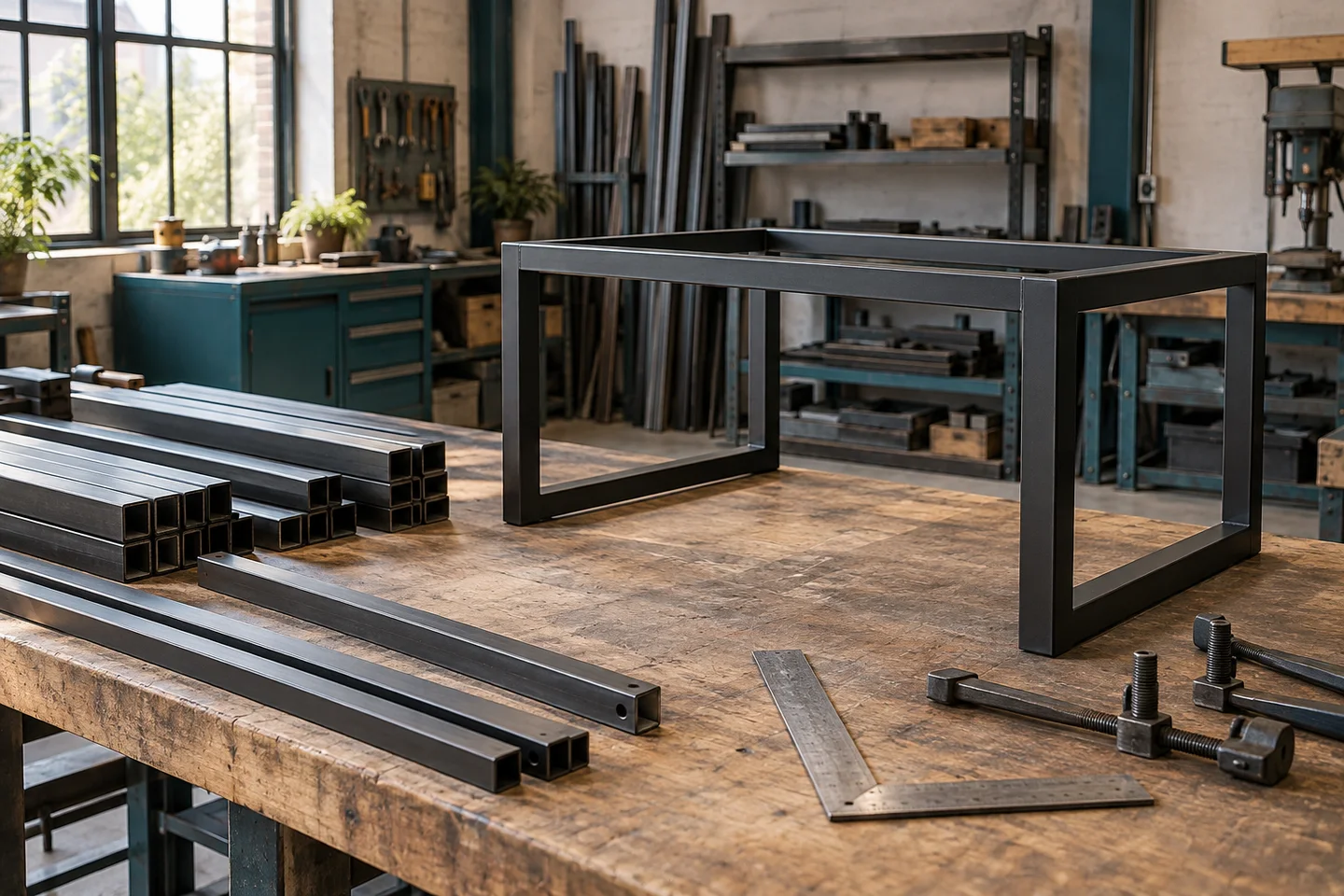
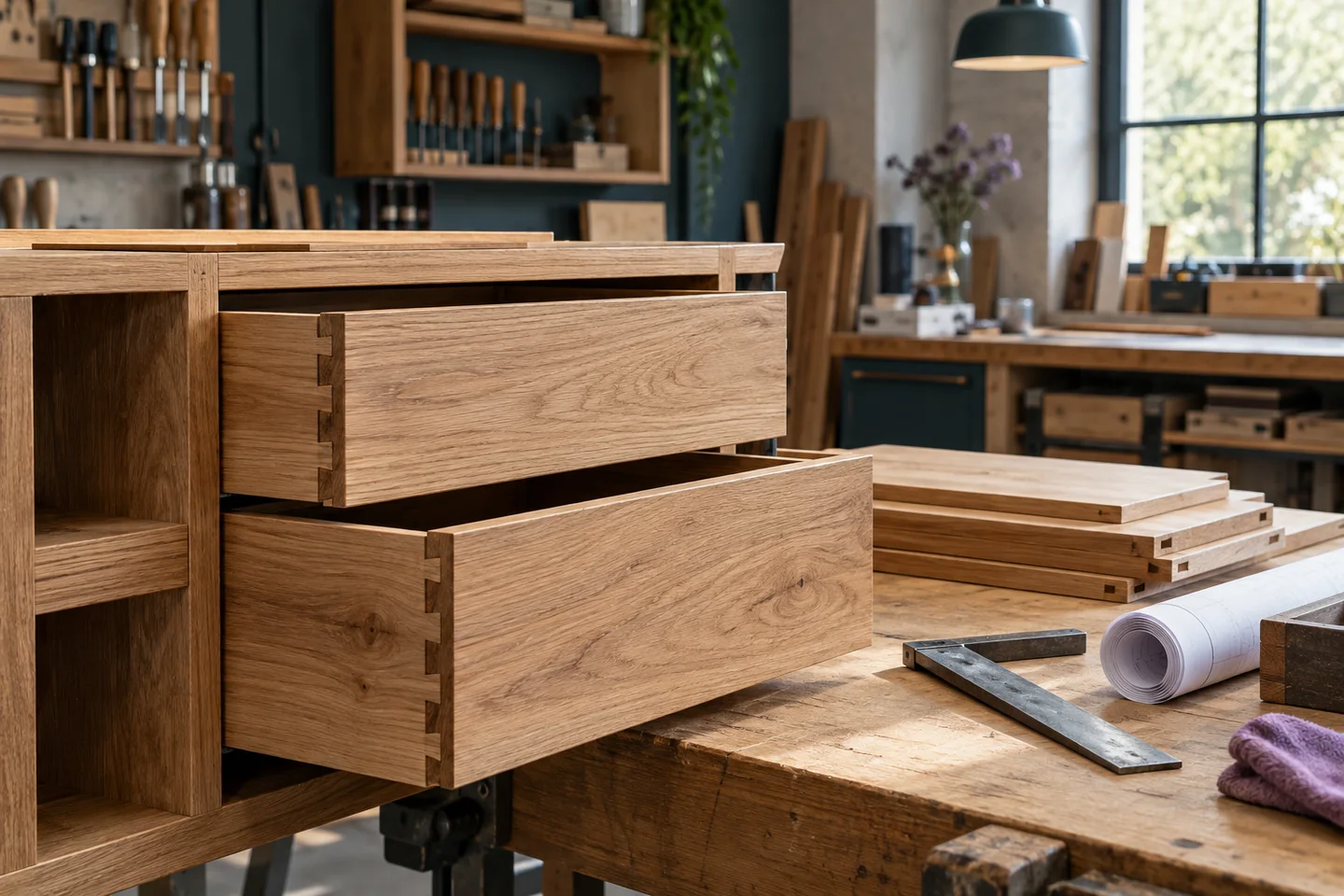
- Custom furniture: “{nume}, your furniture (order {comanda}) is ready. We will call to book the installation day. Balance: {rest} {moneda}. Thank you, {firma}”
- PVC windows: “Hello {nume}, the windows for order {comanda} are ready to install. We will call to confirm the day and time. Balance: {rest} {moneda}. {firma}”
- Gates and fences: “{nume}, your gate (order {comanda}) is ready. Our installers will call one day ahead. Due at installation: {rest} {moneda}. {firma}”
- Car glass shop: “Hello {nume}, job {comanda} is done. You can collect your car Mon-Fri, 9-18. To pay: {rest} {moneda}. {firma}”
- Repair or tailoring shop: “{nume}, order {comanda} ({produs}) is ready for pickup. Open Mon-Fri 9-18, Sat 10-14. Left to pay: {rest} {moneda}. {firma}”
- Production for business clients: “Hello, order {comanda} for {nume} is ready for delivery. Planned delivery: {data}. We will call to confirm. {alias} team”
Two details make a difference. Use {data} only if the delivery date is filled in on every order; otherwise the sentence is left without a date. And write {moneda} after {total} or {rest} instead of typing the currency, so the amount always shows the order's currency. For the balance to be right, record the order’s payments on time; see our guide to tracking deposits and balances.
Consent and courtesy
- Tell clients when you take the order that they will get a text when it is ready, and read their phone number back to them.
- Use the message only for information about their order, without promotions or offers.
- Send during the day, not late in the evening or very early in the morning.
- Sign with a name the client recognises; a sender name is usually limited to 11 characters.
- For the rules on personal data and commercial messages, check the legislation in force or ask a lawyer.
How Zafirok helps: CRM and ERP software that texts when the order is ready
Zafirok has one automatic message per order: the ready SMS. You set it up once and it goes out by itself, without anyone having to remember to text the client. There is a summary on the SMS and telephony page.
- Open Settings → SMS. The section exists in the industry configurations (carpet cleaning, furniture, windows, gates, auto glass and so on), not in the basic “Standard” configuration. The feature is off until you turn it on.
- Choose how you send: “Through Zafirok”, with no separate account, the texts going out via SMS.to and paid from your Zafirok balance or your SMS package units (not available to companies that keep their books in USD), or “Your sms.md account”, for Moldovan numbers: you pay sms.md for the texts, but in Zafirok you activate a monthly SMS module plan that sets how many texts can go out per month.
- Choose the stage that means “ready”: the message goes out the moment an order enters it, so pick the stage in which the order can already be handed over. For carpet cleaners the default is “Awaiting delivery” (“Așteaptă livrare”); in other businesses it is the second-to-last stage of your pipeline (for example “Installation” (“Instalare”) for furniture, windows and gates, or “Completed” (“Finalizat”) for auto glass), so check that it suits you. If you rename that stage, pick it again: the screen warns in red that otherwise the message never goes out.
- Write the text with variables (press one to insert it where you left the cursor) and check the “What the client sees” preview, which also shows the character count and how many texts will be billed. Anything in curly brackets that is not one of the listed variables, such as {Nume} or {price}, is flagged as you type, and the settings cannot be saved until you fix it, so it never reaches the client as typed.
- Fill in “Sender”, the name shown on the phone (11 characters at most), and for sms.md also the token, then save the settings. Only after saving can you send yourself a test with “Send test”: it is a short test text, not your message, and it confirms that texts arrive (through Zafirok the test is paid like any text). Then tick “Send an SMS when the order is ready” and save again.
The ready stage, texts and examples in this guide are a starting point: each business picks its own stage, writes its own text and sets up its stages to match the way it works. If you prefer, the Zafirok team can configure it for you: write to us via the contact page or create an account.
Carpet cleaners get two texts: “When we deliver the carpets” and “When the client comes to collect them”, plus the option “Only to those who brought the carpets in themselves”. It is useful if you call delivery clients anyway to agree a time.
The message goes out once, at the moment the order is moved into the chosen stage: by dragging it on the board, with “Advance stage” or when several orders are moved at once. Orders that were already in that stage when you turned SMS on get nothing, and an order that has received the text does not get it again, even if it is moved back and then into the ready stage again. If sending failed (for example a wrong number or an empty balance), the next move into the ready stage tries again; there is no resend button.
For carpet cleaners, the order's “Ready SMS” section shows when and to which number the message went and the exact text, and until delivery the board cards show “SMS sent” with the date or “SMS not sent”. In other businesses the order and its card do not show the SMS; the latest 12 messages, with the number, order and result of each, are listed in Settings → SMS. That makes it quick to answer a client who says they never got anything.
What the SMS feature does not do
- It does not send manual texts to a client you choose.
- It does not send bulk texts such as campaigns or promotions.
- It has no separate texts per stage: it is one message, at the ready stage.
- It does not send reminders, including payment reminders.
- It does not send messages via WhatsApp, Viber or Telegram.
Through Zafirok, texts are paid from your Zafirok balance; if your subscription includes an SMS package, messages that fit fully in its units are included, and a long message uses several units. When there are no units and no balance left, the text is not sent, although the order still moves to the new stage. With your own sms.md account, you pay the provider directly for the texts, but you also need a monthly SMS module plan in Zafirok. Current packages and prices are on the pricing page.
Frequently asked questions
Can I send a manual SMS to one client from Zafirok?
No. Zafirok sends one automatic message per order, when it enters the ready stage. For anything else, call the client or text them from the company phone.
What happens if I move an order to the ready stage by mistake?
The message goes out immediately and, like any SMS, cannot be recalled. That is why many businesses decide who is allowed to move orders into that stage.
Can I write the message in Russian or Romanian?
Yes, you write the text in the language you choose. Cyrillic letters cut the limit to 70 characters per SMS, and through Zafirok a Cyrillic text may reach the client in Latin letters (the settings screen warns you under the preview); with your own sms.md account it goes out as written. Romanian diacritics are turned into plain letters through Zafirok, so they do not shorten the limit there, but with sms.md they cut it to 70 as well. There is one text for all orders (two versions for carpet cleaners), so pick the language most of your clients understand.
How much do the texts cost?
It depends on the option. Through Zafirok, texts are paid from your Zafirok balance, and if your subscription includes an SMS package, messages that fit fully in its units are included. With your own sms.md account you pay sms.md for the texts, at their rates, but in Zafirok you also need a monthly SMS module plan that sets how many texts can go out per month. Packages and prices are on the pricing page.
Sources
- sms.md: how many characters fit in an SMS in Latin and Cyrillic, and how long messages are billed (checked on 23 October 2026)
- Twilio: How long can a message be? – GSM-7 and UCS-2 encoding, billing per segment (checked on 23 October 2026)
- Twilio: Alphanumeric Sender ID – sender names are limited to 11 characters (checked on 23 October 2026)